
Appearance
How to Install
The easiest way to install and license is by using the aescripts + aeplugins manager. To install a trial you can select 'Add Trial' from the 'Account' menu.
aescripts + aeplugins manager app (Recommended)
- Download and install the aescripts + aeplugins manager app from here
- Login to the manager app with your aescripts + aeplugins account that you used to purchase expressCode.
- To install a trial you can select 'Add Trial' from the 'Account' menu
- Find
expressCodein your list of purchases. - Select it and choose
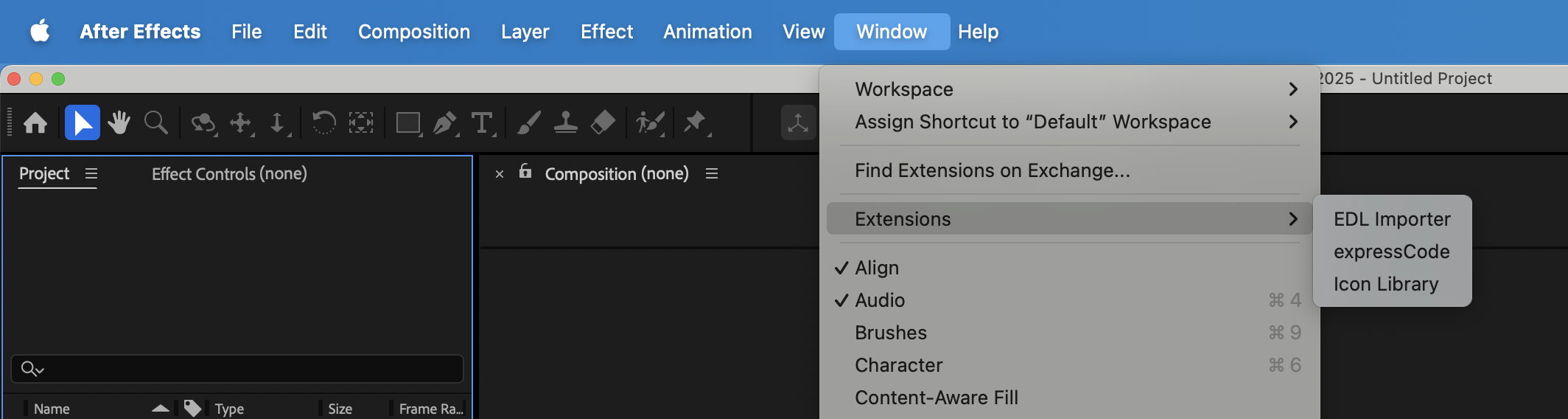
Install - Launch After Effects and go to
Window -> Extensionsand launch expressCode.
Manual Installation
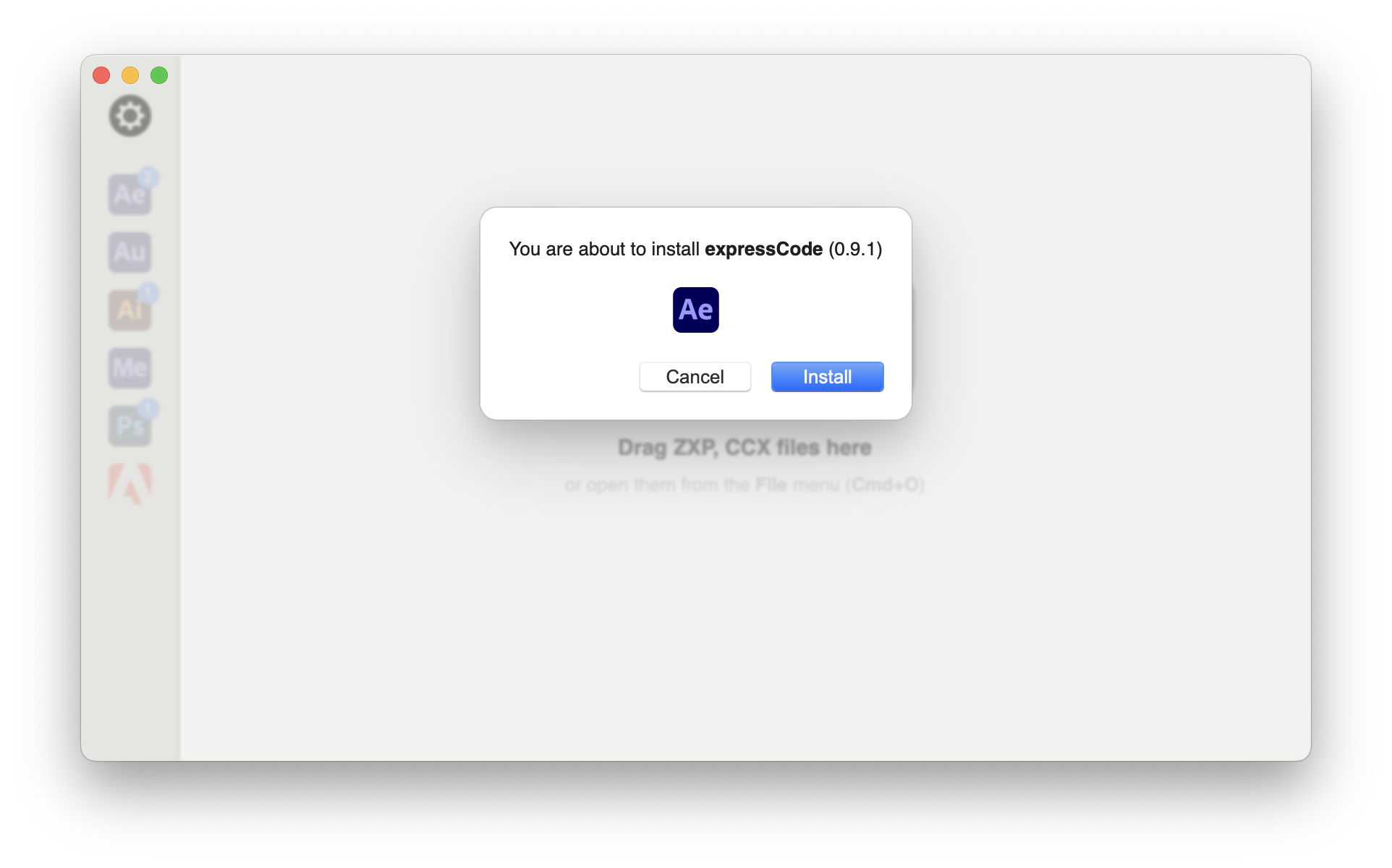
- Download and install the ZXP Installer from aescripts + aeplugins
- Drag the ZXP file from your product download and drop it onto the ZXP Installer.
- Follow the prompts to install it.
Trial Version
A trial version is available but it has the following limitations:
- Unable to save your own scripts or expressions to your library.
- Valid for only 7 days.