
Appearance
Skip to content
 Read Guide →Learn More →View Helpers →
Code Smarter, Work Faster
expressCode brings VS Code's powerful editor to After Effects. Get IntelliSense completion, real-time error checking, hover definitions, and full TypeScript support—all transpiled to ES3. Edit any expression in your comp instantly, without hunting through the timeline. Save your most-used scripts and expressions in the built-in library for one-click access.
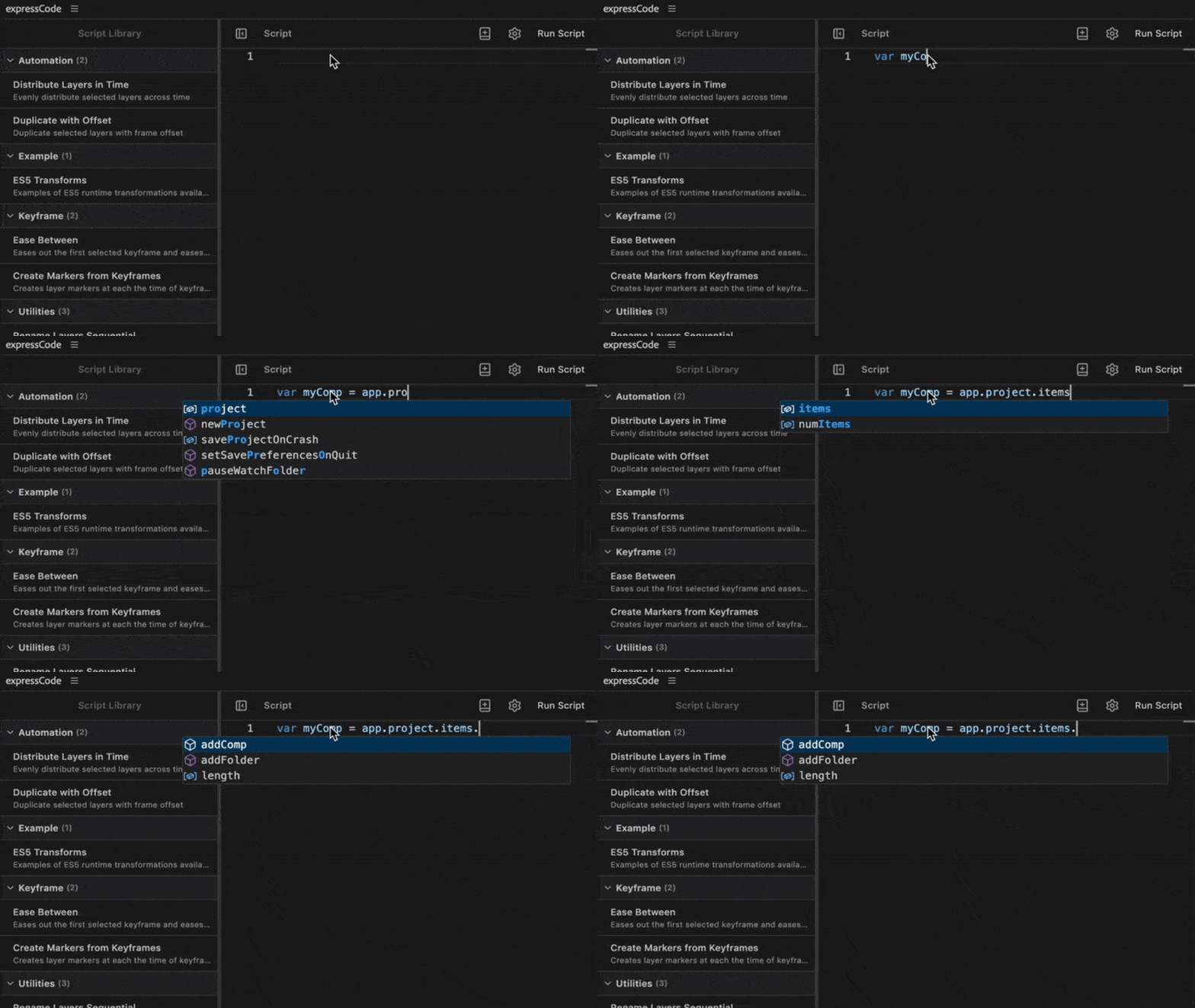
IntelliSense Code Completion
Get instant suggestions as you type with full IntelliSense support for After Effects expressions and scripts. Hover documentation, parameter hints, and smart autocomplete make coding effortless. Never look up API documentation again—everything you need is right at your fingertips.
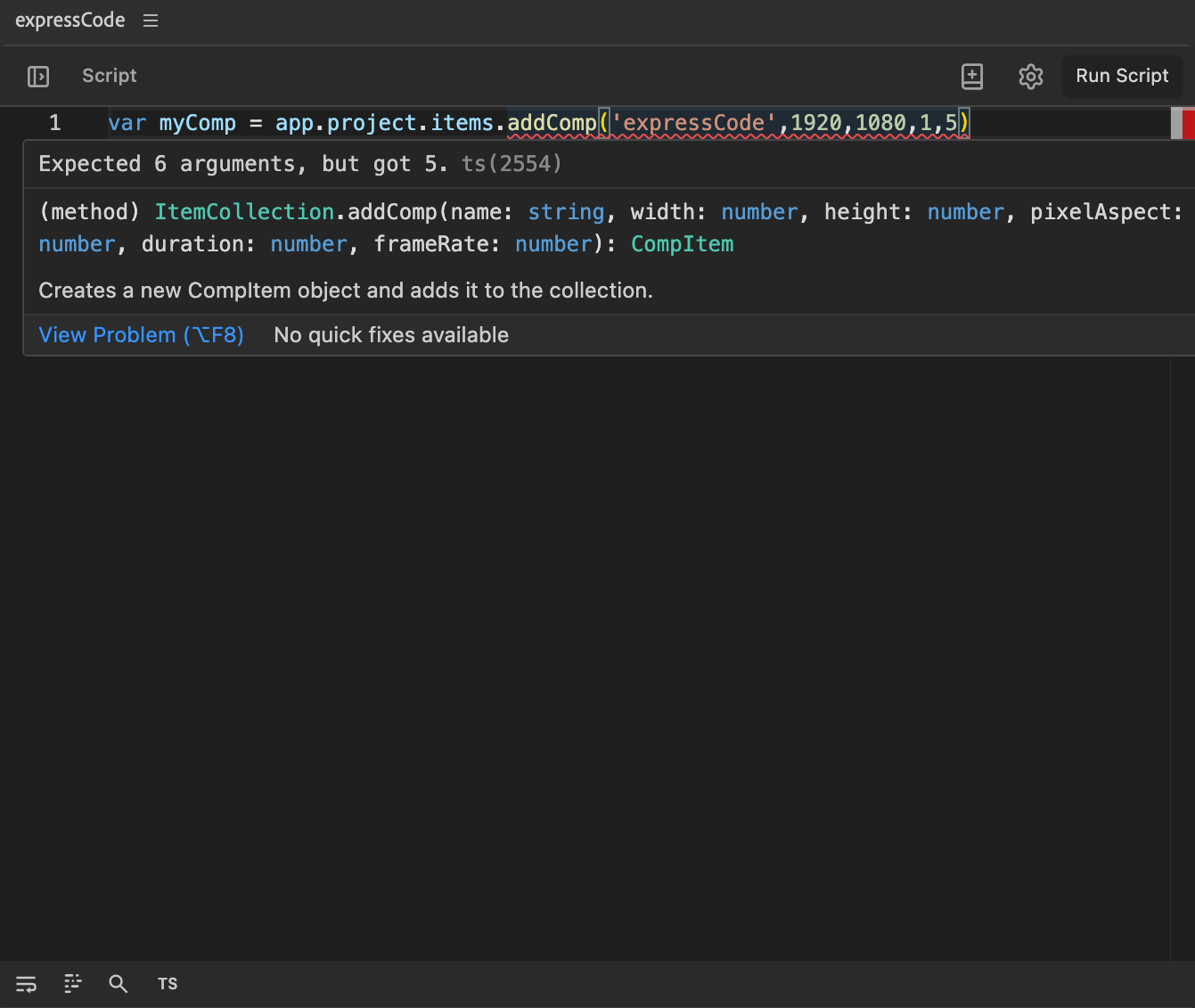
Real-Time Error Detection
Catch errors before they happen. TypeScript-powered error checking shows you exactly what's wrong with inline diagnostics and helpful error messages. Say goodbye to debugging expressions in the After Effects timeline—see problems as you type and fix them instantly.
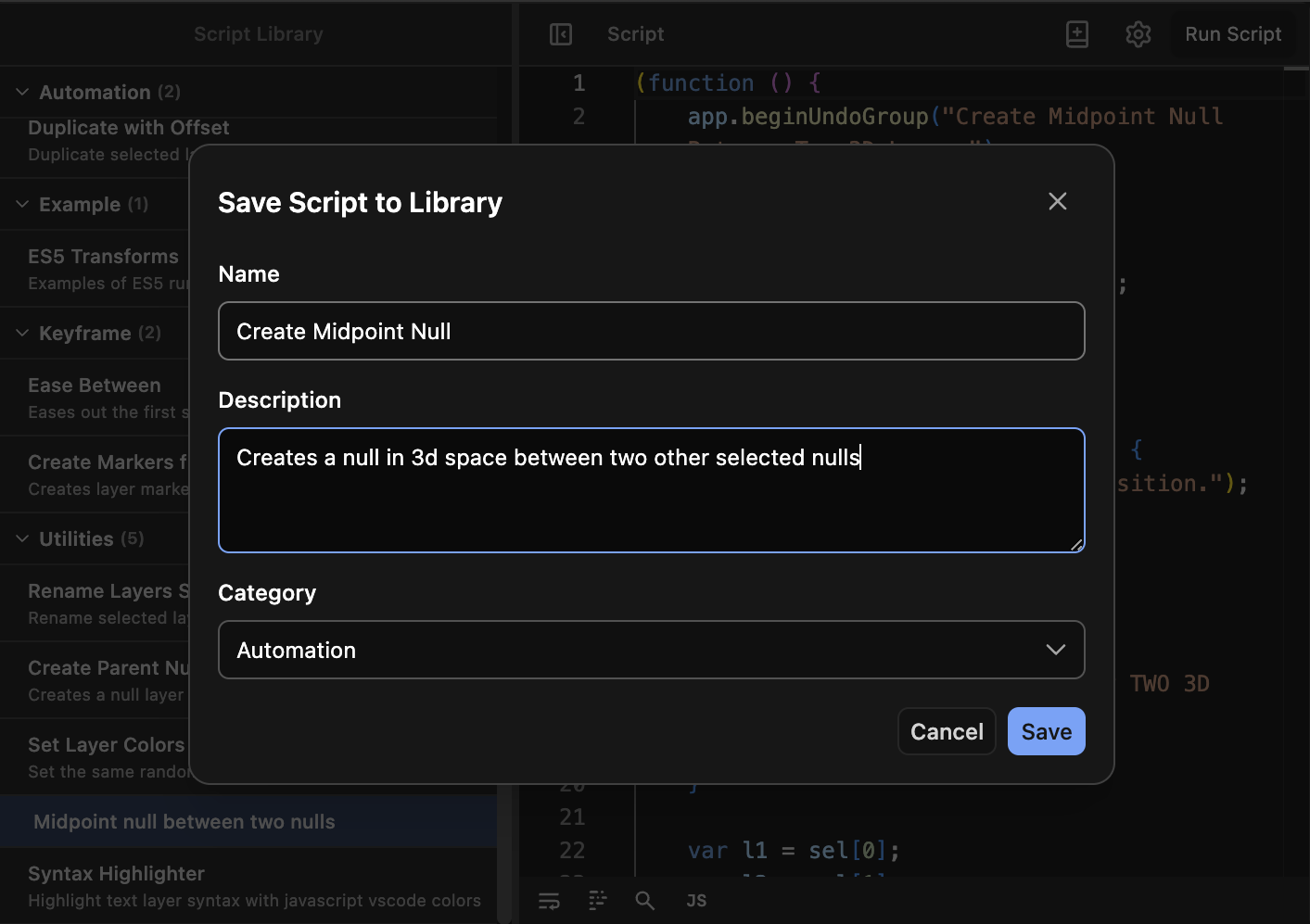
Expression & Script Library
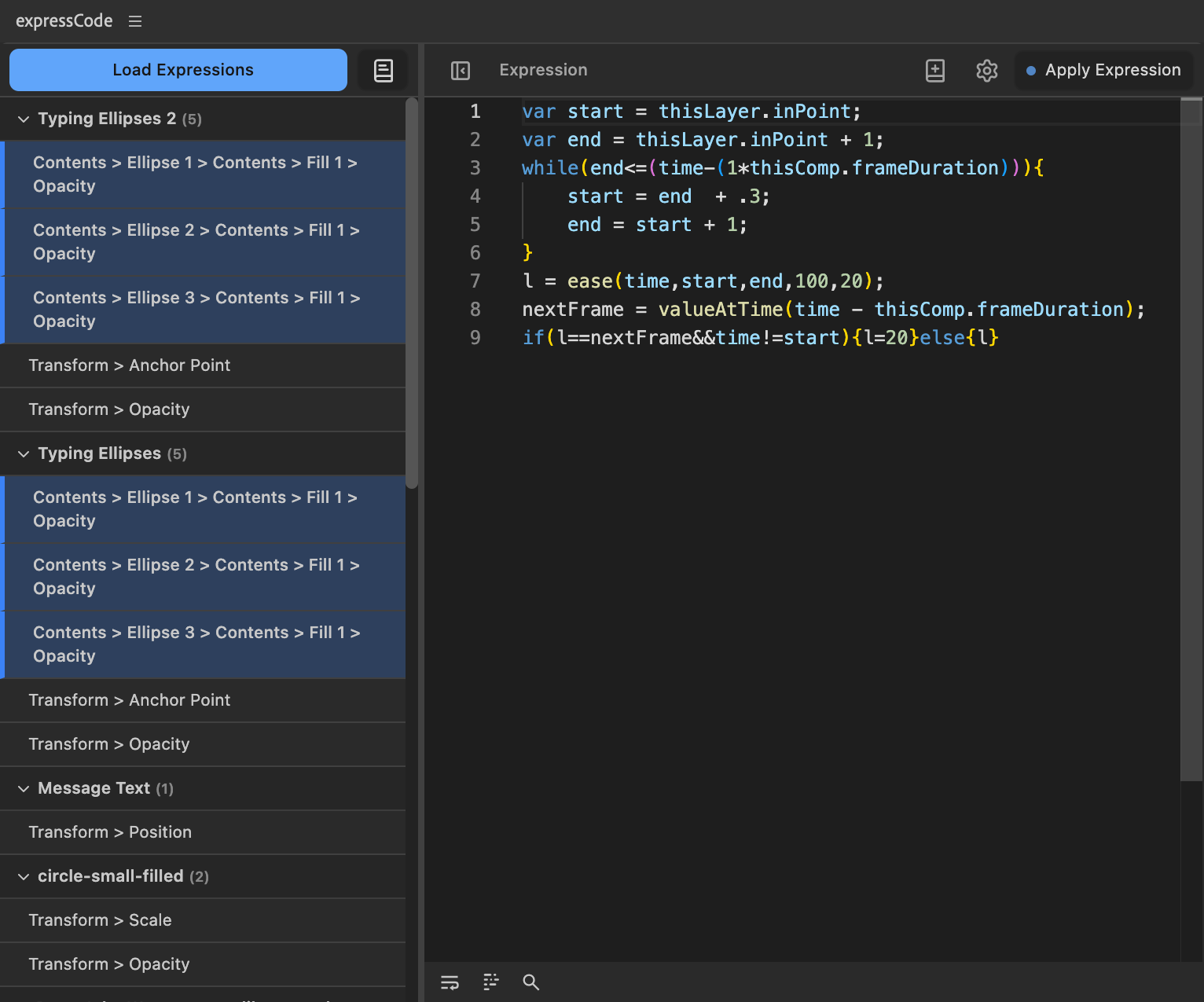
Save your favorite expressions and scripts in organized libraries. One-click apply to multiple layers. Build your personal toolkit and never rewrite the same code twice. Share libraries with your team and standardize your workflows.
Monaco Editor Power
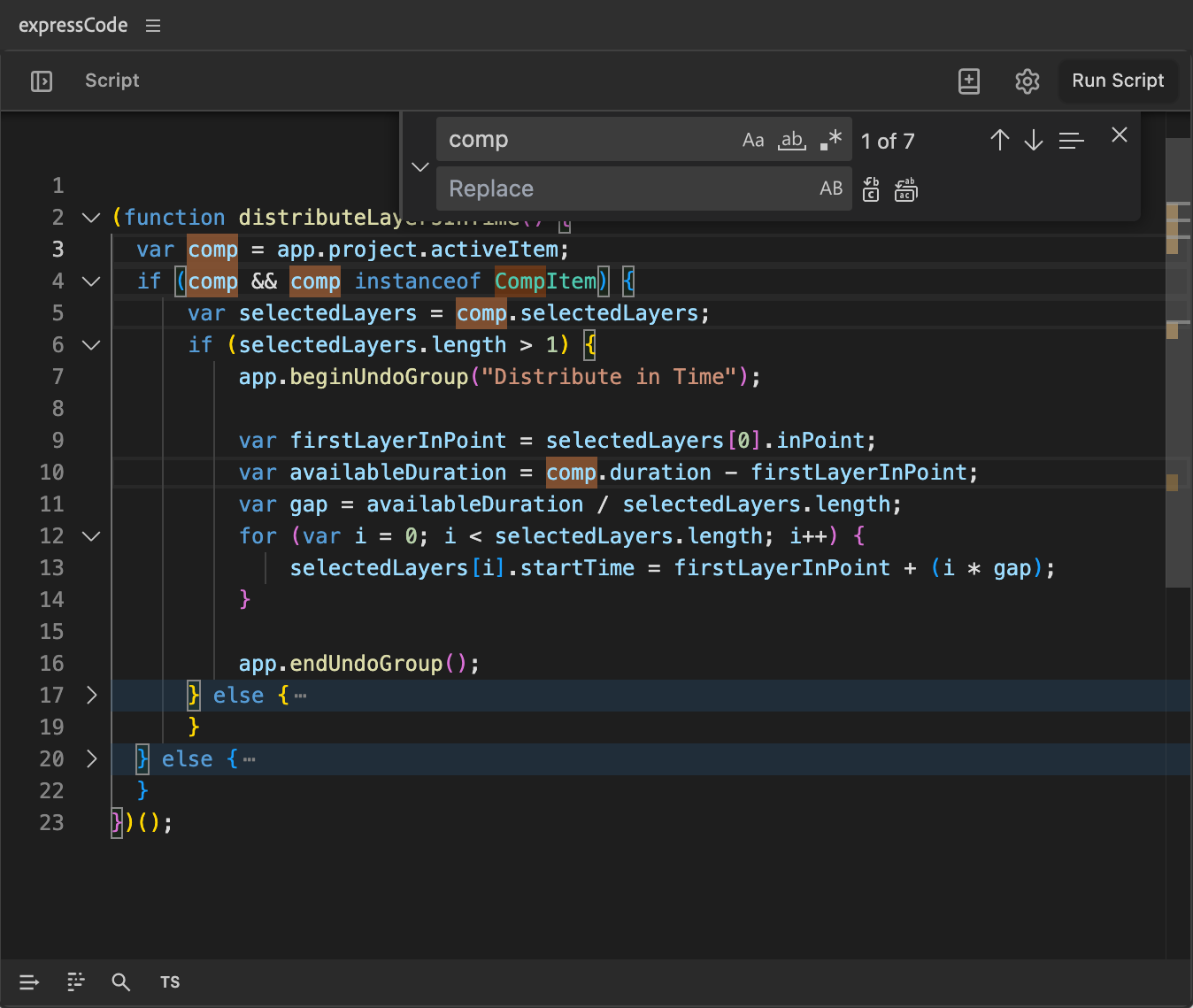
Built on the same editor that powers VS Code. Get professional features like multi-cursor editing, find & replace, syntax highlighting, and keyboard shortcuts you already know. Edit all your comp's expressions in one place without hunting through timeline layers.
Batch Operations
Select multiple expressions at once and edit them all simultaneously. Apply library expressions to multiple selected layers with a single click. Make sweeping changes across your comp in seconds, not minutes.
See expressCode in Action
Learn More
Explore our guides and documentation
User Guide
Online overview of all the different sections of expressCode. Automatically updated with each release. Learn how to use the Monaco editor, manage your library, and optimize your expression workflow.
TypeScript Support
Write modern TypeScript code with full IntelliSense and let expressCode automatically transpile it to ES3. Get type checking, autocomplete, and the latest JavaScript features while maintaining compatibility with After Effects.
ES5 Helpers
Understand the helper functions automatically added during TypeScript transpilation. Learn how expressCode polyfills modern features and what each helper does to ensure your code runs smoothly in After Effects' ES3 engine.